Throughout this month in our digital humanities course, we have learned many new things following each session taken with the professor. In the first week we got introduced to WordPress (which you are reading this blog on), an open source management site in which you create your own content and shape all contents combined into a personal/public blog available to the masses.
During last week’s session we were introduced to TimelineJS. Now you might be thinking “What is TimelineJS?” and your question will be answered shortly. In the past, information was collected from different places and added together in the form of a book, novel, bibliography… However what TimelineJS does is that it allows you to collect all the information you have acquired and put them into a visually stimulating timeline.
After looking into all authors, my partner and I decided to go with William Blake, an author who is strongly known for his visionary paintings as well as his poetic literature as part of the Romantic Age. The reason we chose to go with William Blake is because he was in an era where artists reacted to changes that occurred in the European side through the industrial revolution, which was one of the greatest revolutions in English history, and marked a change of how people envisioned things and how creations went from households to factories and mass production plants. What is unique about Blake is that his strong faith and religious views made him see the beauty that god has blessed his surroundings with. Blake’s history is very unique and endless that using TimelineJS to organize his artistic and literary journey made our project a lot easier and entertaining to work with, especially that it also changes the mainstreams of PowerPoint and Prezi.
TimelineJS turned out to be very user friendly. To generate an eye-catching, interactive timeline, all you have to do is enter the information you have into a Google spreadsheet template which is split into pre-labeled columns. Each column in the spreadsheet defines where your data should go. What’s nice about this tool is that it is easy to use for everyone and requires very little or no previous knowledge of TimelineJS at all.
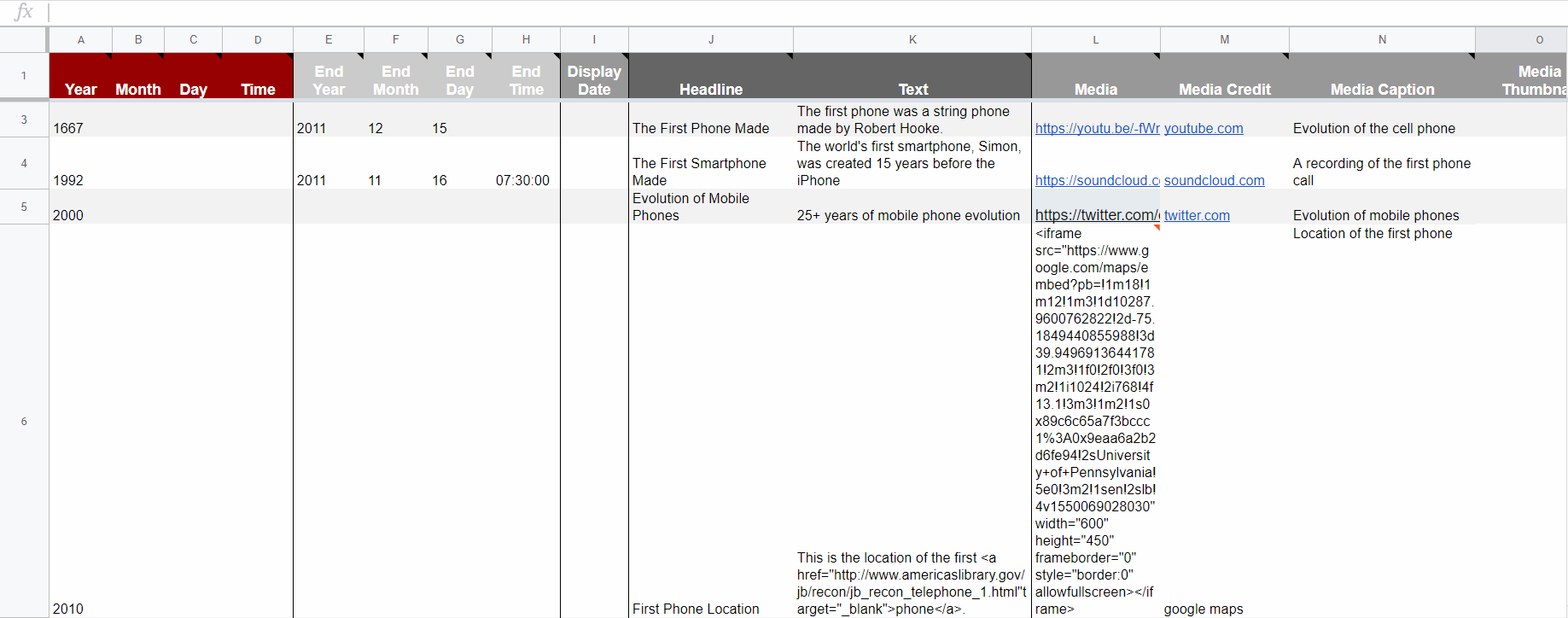
As you can see in the image above, the cells under the headline column contain information about the headline of each piece included in the timeline. You can also add media under the media column such as images, gifs, tweets, SoundCloud tracks … Using TimelineJS to create a digital timeline was overall a smooth process.
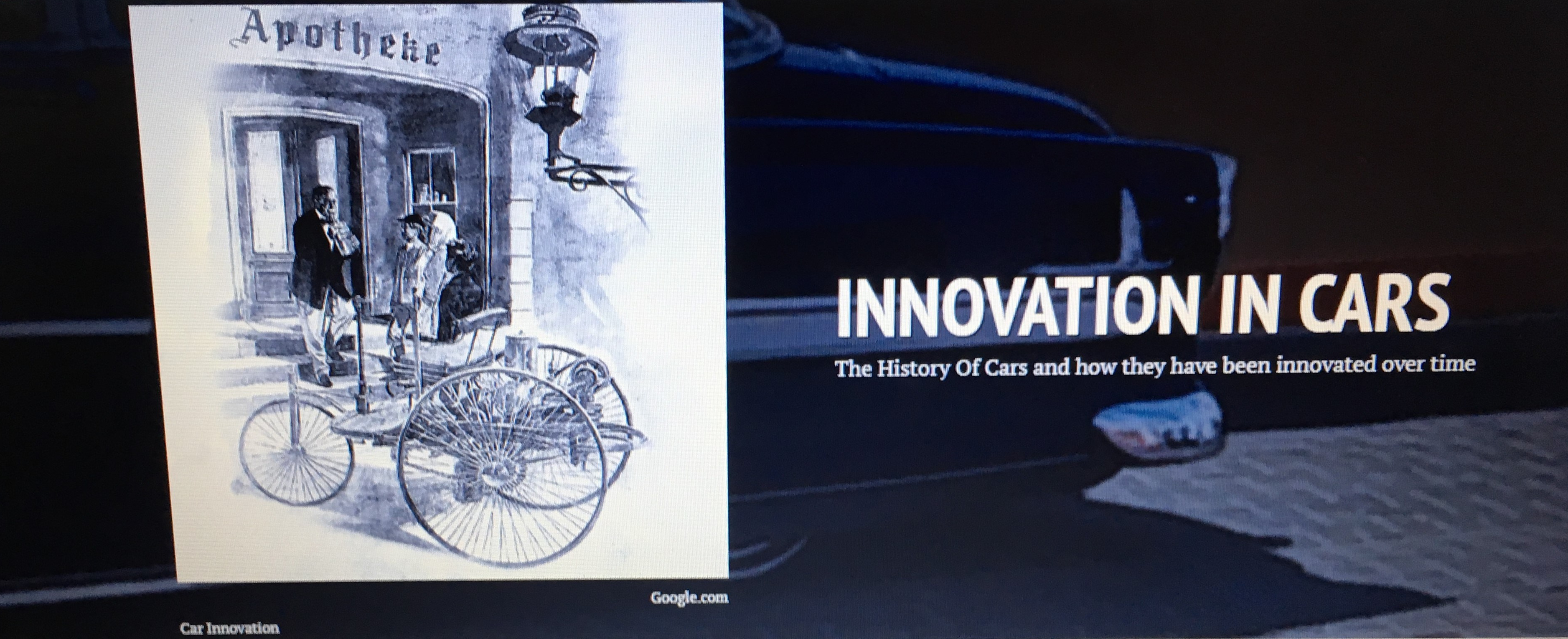
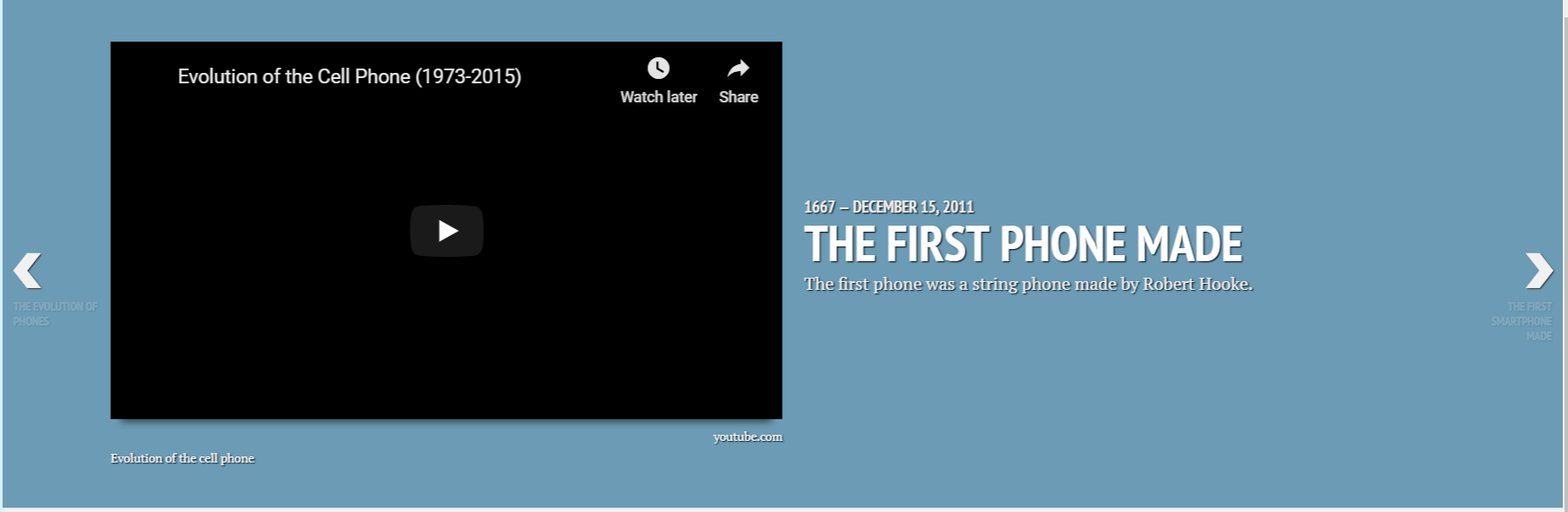
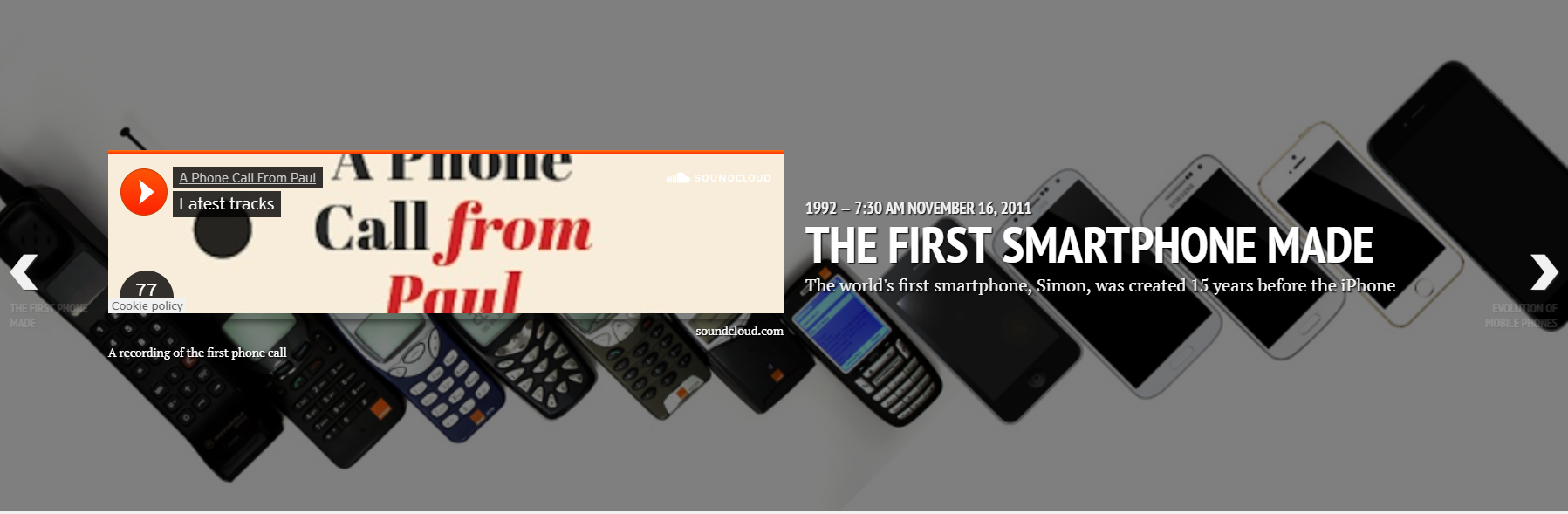
TimelineJS gives us the freedom to include images, GIFs and even videos found about William from drawings to video autobiographies found on the net. The option of including map locations is perfect for us since we are going to be mapping the author’s life and assessing the different locations of his work and paintings which are now located in different parts of the world and inspire youth artists and poets. With TimelineJS we can easily integrate different forms of multimedia that are relevant to our research. You can see in the pictures above how neat and organized the entries of the timeline are, with each one being customizable with respect to the information included in it.
Youtube videos and SoundCloud tracks help us by providing information that isn’t in the form of text. Nowadays people prefer to watch or listen to information rather than read it, so what makes TimelineJS fun is the fact that the audience isn’t only learning new information but is also visualizing it in the form of different media.
This course requires us to study the life, literary achievements, and literary texts of an English author and identify the relationships between events related to them. TimelineJS would make our job easier by organizing our information chronologically, taking the audience step by step through the life of William Blake whom we chose to discuss in the timeline. It will allow us to write and see this author in different times of his life as if we are with him on his journey instead of writing about his life in an essay or bibliography.
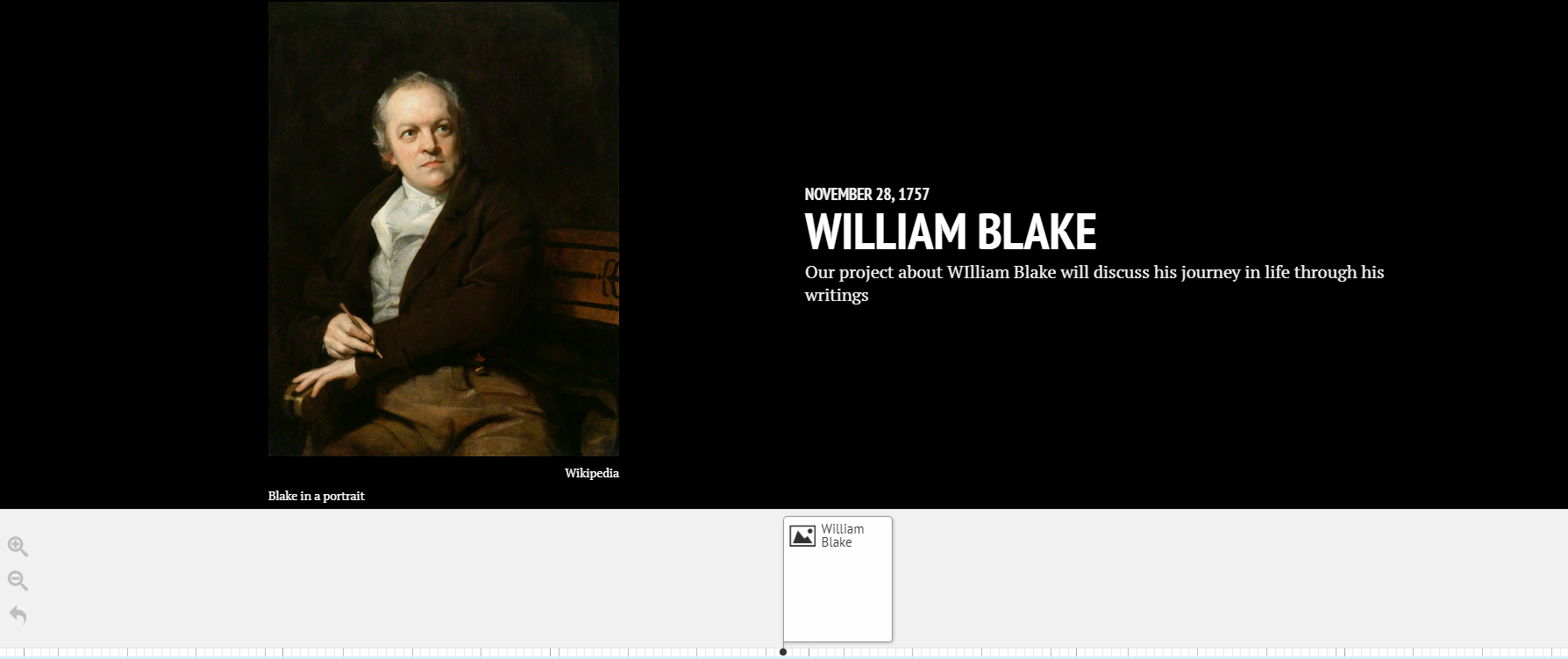
TimelineJS is an extremely easy digital tool to use as it contains helpful features. Without it our project would be difficult to accomplish, and would not end up being as attractive to the reader as TimelineJS will make it. This new tool opens doors of creativity, easy organization and presentable work that would interest our audience rather than bore them with every next slide on a PowerPoint or Prezi document.
 Wissam's Blog